What VibeBrowser Can Do: A Local Model, Your Logged-In Browser, and MCP
VibeBrowser is a Chrome co-pilot that works in the browser you are already logged into: your choice of model provider, an on-device Gemma 4 model, an MCP server other agents can drive, and integrations with Gmail, Calendar, Notion, Slack, and GitHub.
VibeBrowser is an AI co-pilot that works in the Chrome session you are already logged into. You describe a task; it opens pages, clicks, types, and reads content to do it.
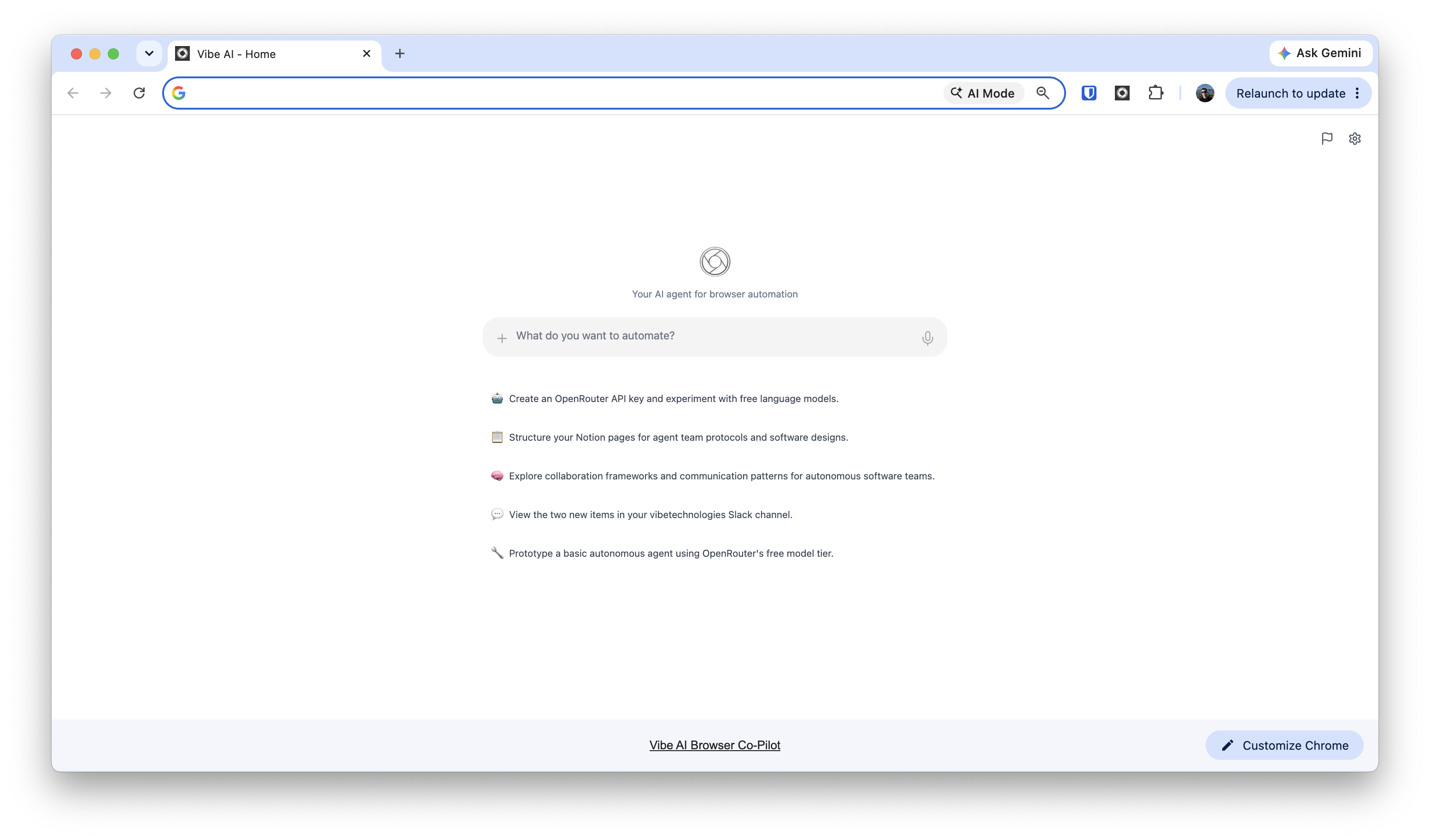
Playwright MCP and Chrome DevTools MCP launch their own browser instance by default, with none of your logins in it. VibeBrowser is a Chrome extension: the agent runs in the browser where your accounts are signed in, with your tabs, cookies, and extensions. There is no second profile to maintain.
Choosing the model and provider
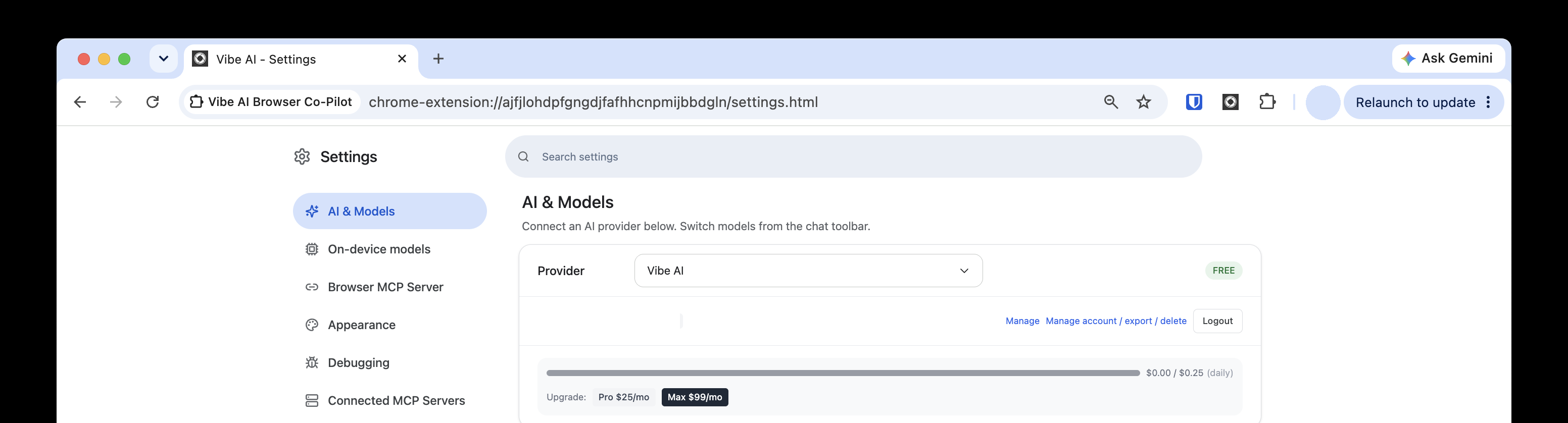
The agent's provider is chosen in Settings → AI & Models: pick a provider in the dropdown there, and switch models from the chat toolbar.
The default provider is Vibe AI. No API key: you sign in, and the free tier runs against a daily budget, shown as a usage bar in settings. Pro and Max plans raise the budget.
The same dropdown takes your own accounts and keys instead:
- Sign-in: GitHub Copilot, Claude Max, OpenRouter.
- API key: OpenAI, Anthropic, Google Gemini, Groq, Mistral AI, xAI (Grok), Together AI, Perplexity, Cerebras, DeepInfra, Fireworks AI, Cohere, Replicate, Azure OpenAI, OpenCode Zen, Cloudflare Workers AI, Vercel AI Gateway, Kimi For Coding.
- Local and custom: Ollama (Local AI) on your own machine, an OpenAI API Compatible endpoint by URL, or Bring Your Own Model.
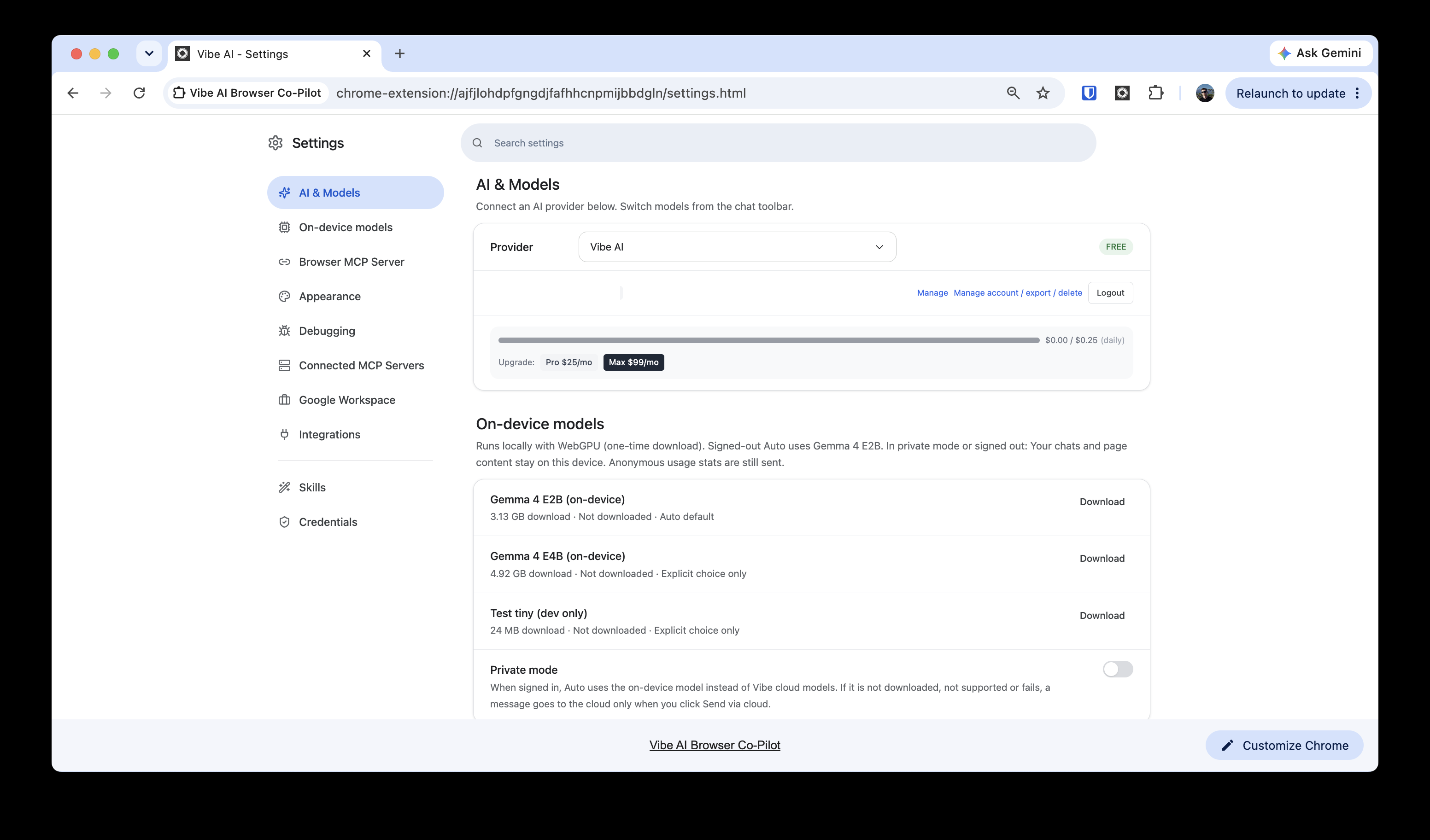
The local model: Gemma 4 on your machine
On a WebGPU-capable computer, the agent can run on Google's Gemma 4 E2B (3.13 GB, one-time download) in the browser. It is the Auto default when signed out. Signed-in accounts can turn on private mode to use it instead of Vibe cloud models: chats and page content stay on the device — anonymous usage stats are still sent. The larger E4B and the hardware limits are covered in Vibe now runs offline with Gemma 4.
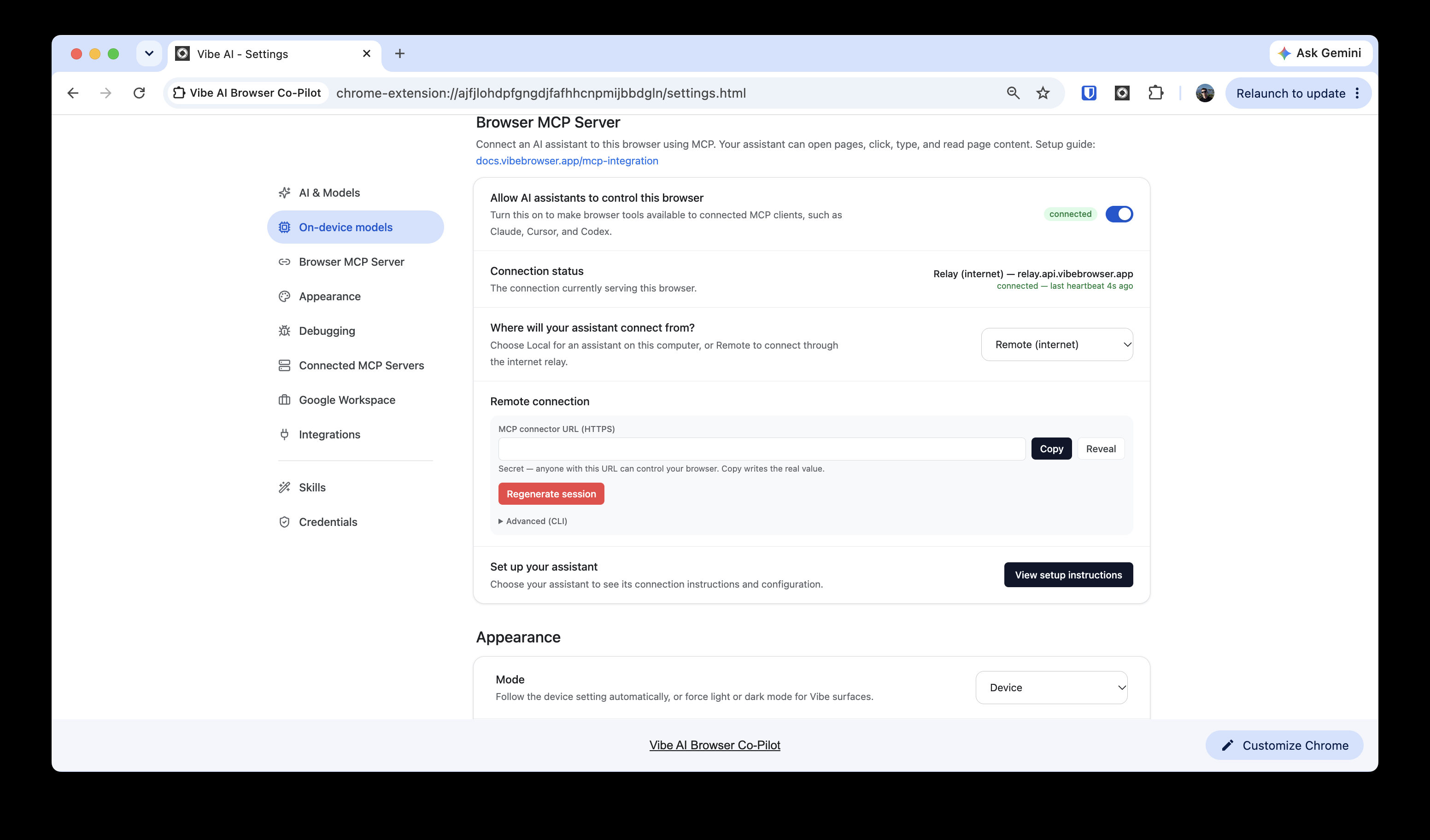
MCP: your browser as a tool for other agents
VibeBrowser is also an MCP server. Turn on external agent control in the extension, and assistants such as Claude, Cursor, and Codex can drive your browser through 25+ tools: navigating, clicking, filling forms, taking snapshots and screenshots, spawning sub-agents with isolated context, and running tool calls in parallel. Clients connect locally or through the hosted relay. Every tool is classified as a read, a write, or a sensitive write, and sensitive writes need your approval, one use at a time.
The setup for each client is documented:
- VibeBrowser MCP — the hosted endpoint, the full tool list, and per-client configuration.
- Connect OpenClaw to your browser — one
mcpServersentry in OpenClaw's config. - Connect Muse (Meta AI) to your browser — one prompt in the Muse app, with the session ID pasted only on Muse's secure card.
The OpenClaw and Muse pages are setup guides; as those pages say themselves, their end-to-end verification is still in progress.
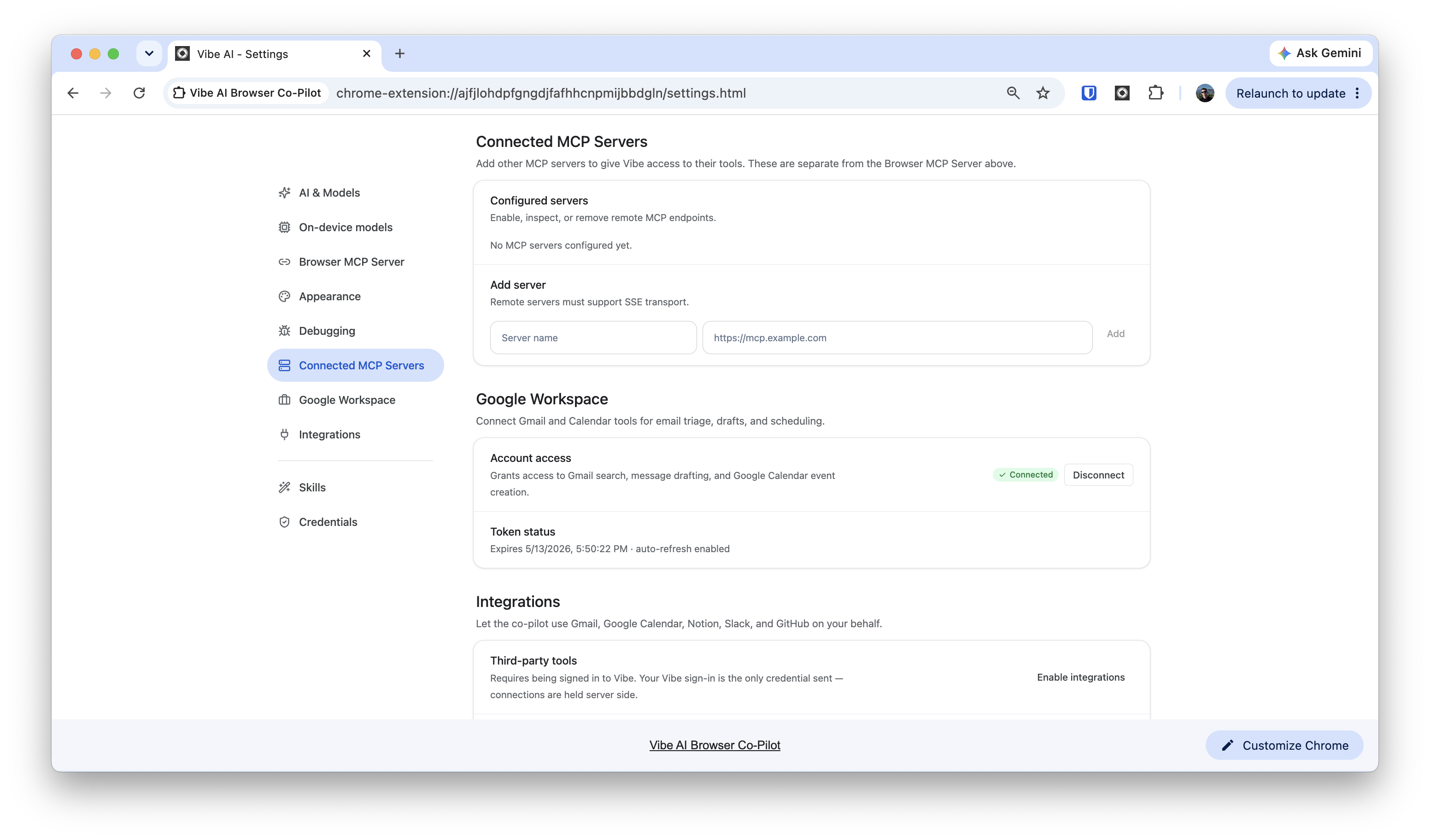
The reverse direction also works: add remote MCP servers (SSE transport) in settings, and the co-pilot can use their tools.
Integrations: Gmail, Calendar, Notion, Slack, GitHub
The Google Workspace connection is a direct grant from your Google account. It lets the built-in co-pilot search Gmail, draft messages, and create Google Calendar events. Agents connected over MCP get the wider tool set: Gmail search, reading, drafting, and sending, plus Calendar viewing, creating, and deleting.
A separate Integrations switch lets the co-pilot use Gmail, Google Calendar, Notion, Slack, and GitHub on your behalf. Those connections are held server-side; the only credential the extension sends is your Vibe sign-in.
A credential vault whose secrets never reach the model
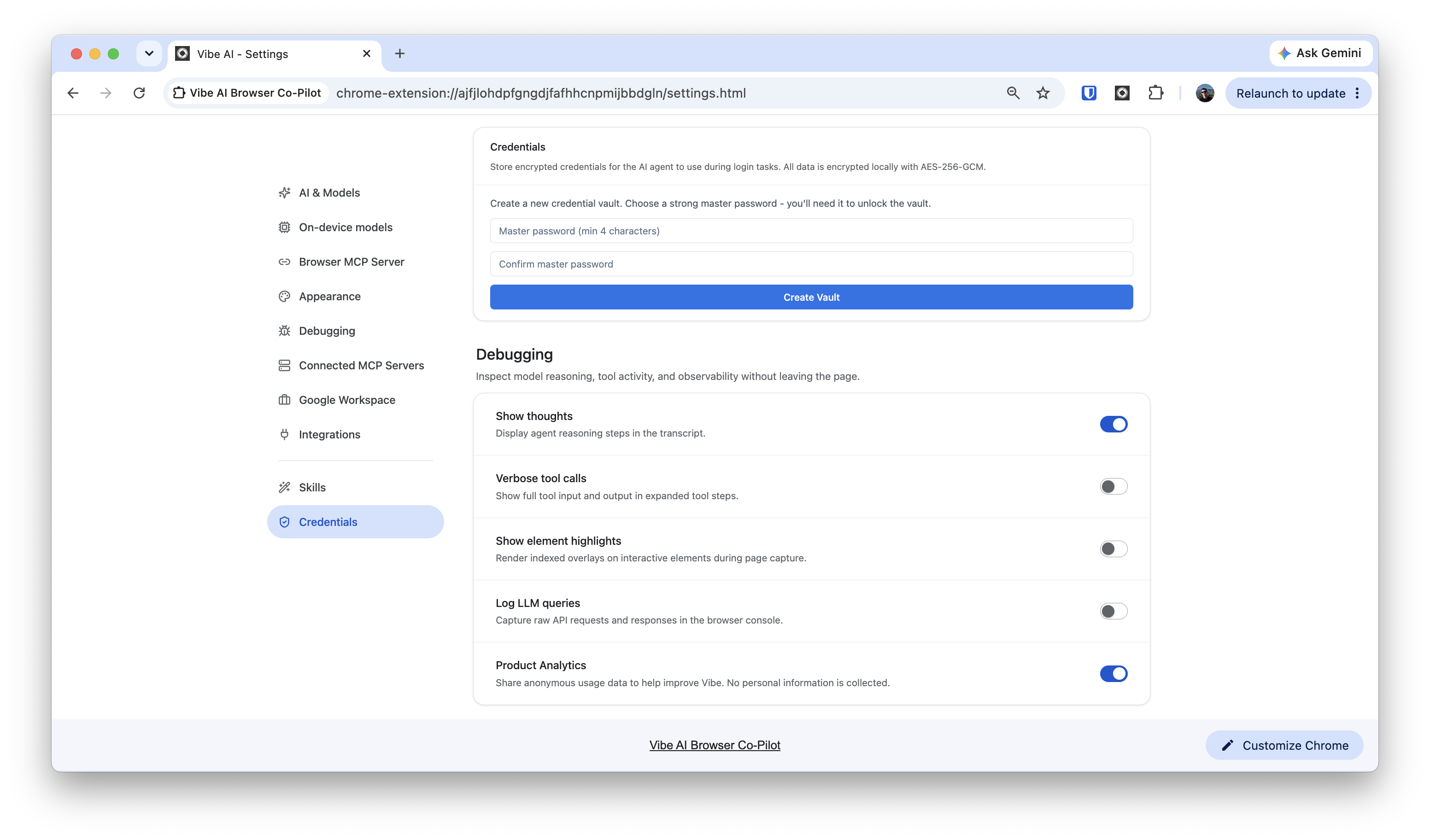
Login tasks need passwords. VibeBrowser keeps them in an encrypted vault on your device (AES-256-GCM, unlocked by a master password you choose) instead of the chat. An agent can list the names of saved entries, but never the secret values: at a login form, a type-in tool fills the credential from the vault without exposing it to the model.
Settings also include a skills library — a workflow that works once can be saved and reused — and debugging views that show the agent's reasoning steps and tool calls.
VibeBrowser is free to install; paid plans are optional. To connect an agent you already use, start with the MCP page.