Where AI Browsers Get Stuck
The matrix below is documentation-first. Based on those same docs, these are recurring risk signals teams see on real browser workloads.
- Model lock-in risk: Across most products in this matrix, explicit user-facing model/provider selection controls are not clearly documented in the cited first-party pages.[S3][S5][S8][S12][S16]
- Screenshot/snapshot-heavy control loops: Official computer-use/browser docs for Operator and OpenClaw explicitly describe screenshot and snapshot interaction patterns, which can increase context usage on visually dense pages.[S4][S18]
- Workflow reuse gaps: Explicit skills authoring docs are clearly published for OpenClaw. For most other products here, equivalent public skills authoring frameworks are not clearly documented in cited sources.[S19][S20][S3][S5][S8][S12]
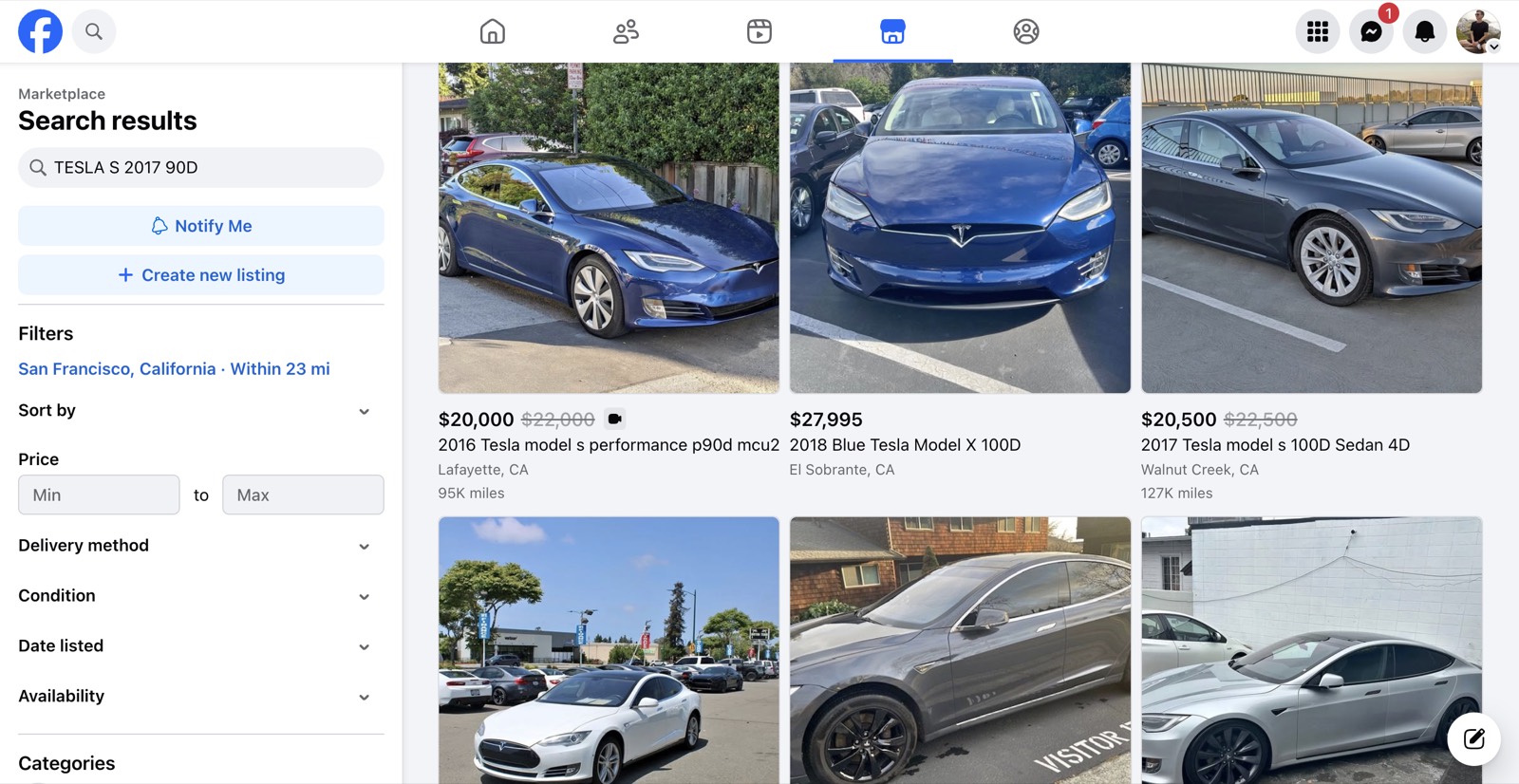
Example workload captured via Chrome DevTools MCP: navigating Facebook Marketplace search results.
| Capability | Vibe | OpenAI Atlas | Perplexity Comet | Strawberry | OpenClaw | Browser MCP | Claude for Chrome |
|---|---|---|---|---|---|---|---|
| Product category | Browser extension + MCP server bridge[S1][S2] | Browser extension (Chrome, Brave, Opera)[S21][S22] | AI-native desktop browser (macOS app, replacing Chrome)[S3][S4] | AI-native desktop browser[S5][S6] | AI browser with companion agents[S8] | Self-hosted agent gateway with browser tooling[S16][S18] | MCP server + Chrome extension connector[S12][S15] |
| Public availability status | Listed on Chrome Web Store.[S1] | Beta available to all paid plans (Pro $20/mo, Max $100-200/mo, Team $25/seat) as of Dec 2025.[S21][S22] | macOS app launched Oct 2025; Agent Mode in preview for Plus/Pro/Business. Windows, iOS, Android coming soon.[S3][S4] | Perplexity announced worldwide availability and free download on Oct 2, 2025.[S5] | Public setup guide documents download and account onboarding.[S9] | Public docs include guided setup and deployment options, including cloud-hosted setup on Fly.[S16][S17] | Public install + docs flow for extension and MCP server.[S12][S13][S14] |
| Documented browser action capability | Listing describes navigation, form filling, and multi-step workflows.[S1] | Docs describe navigation, form filling, multi-step tasks, and multi-tab workflows.[S21][S22] | Docs describe Agent Mode can type, click, scroll, fill forms, and complete tasks autonomously in browser.[S3][S4] | Official Comet release post describes assistant actions and task execution while browsing.[S5] | Docs explicitly state it can click, scroll, fill forms, and automate recurring tasks.[S8] | Browser docs explicitly list tabs, open, navigate, click, type, scroll, screenshot, and snapshot actions.[S18] | Docs describe automation for tasks such as form fill and navigation.[S12] |
| Runtime / install requirements called out in docs | Chromium browser extension + MCP config via npx.[S2] | Chrome extension (also works on Brave and Opera, Chromium-based). Not Firefox, Safari, or Edge.[S21] | macOS app (Apple Silicon M1+). Windows, iOS, Android coming soon. Not a Chrome extension.[S3][S4] | Windows 10+ and macOS 11+ requirements are documented.[S6] | Windows 10+ and macOS 11+ requirements are documented.[S9] | Docs cover local install plus Fly deployment requirements such as machine sizing and persistent volume configuration.[S17] | Node.js prerequisite + extension tab connection flow are documented.[S13][S14] |
| Open-source automation server component | Public MCP server repository available.[S2] | No open-source Claude for Chrome server component is documented in cited sources.[S21][S22] | No open-source Atlas server component is documented in cited sources.[S3][S4] | No open-source Comet server component is documented in cited sources.[S5][S6] | No open-source Strawberry server component is documented in cited sources.[S8][S9] | OpenClaw docs explicitly position the project as open source and self-hosted.[S16] | Public MCP server repository available (Apache-2.0).[S15] |
| Documented cloud-hosted deployment path | Cloud-hosted deployment path is not publicly documented in the cited sources for this page.[S1][S2] | Delivered via Anthropic infrastructure, not self-managed cloud deployment.[S21] | SaaS browser app; no self-hosted deployment path documented in cited sources.[S3][S4] | Cloud self-host deployment path is not publicly documented in cited sources.[S5][S6] | Cloud self-host deployment path is not publicly documented in cited sources.[S8][S9] | Docs include a first-party Fly deployment guide for running OpenClaw in the cloud.[S17] | Cloud deployment path is not explicitly documented in cited first-party setup pages.[S13][S14] |
| Documented skills authoring / extension path | Public MCP README focuses on tool/server integration; a formal public skills spec is not documented in cited sources.[S2] | Docs describe "shortcuts" for saving and reusing workflows. Claude Code integration via /chrome command.[S21][S22] | No public skill-pack authoring system documented in cited sources.[S3][S4] | No public skill authoring system documented in cited sources.[S5][S6] | Docs discuss companions and workflows, but a public skill-pack authoring framework is not clearly documented in cited sources.[S8][S9] | Docs include first-party skills system docs plus guides for creating custom skills.[S19][S20] | Extension pathway is via MCP server + browser extension; skill authoring framework is not documented in cited sources.[S13][S14][S15] |
| Signal for GitHub Copilot / VS Code MCP interoperability | README includes explicit VS Code (GitHub Copilot) MCP config block.[S2] | Claude Code integration via /chrome command. No generic MCP-client pattern documented in cited sources.[S21][S22] | No MCP-client integration pattern documented in cited sources.[S3][S4] | No MCP-client integration pattern documented in cited sources.[S5][S6] | No MCP-client integration pattern documented in cited sources.[S8][S9] | MCP-client interoperability pattern with VS Code/GitHub Copilot is not publicly documented in cited sources.[S16][S18] | Docs include VS Code MCP server setup.[S14] |
Interpretation guidance
This matrix intentionally distinguishes between documented behavior and implied behavior. "Not publicly documented" means absent from official sources we reviewed, not necessarily impossible.
Sources
Last verified: April 27, 2026 (America/Los_Angeles).
FAQ
What changed on this comparison page?
We added Claude for Chrome (Anthropic) as a new competitor, sourced from official Anthropic documentation. The table now covers 7 AI browser automation tools.
What does "Not publicly documented" mean?
It means we did not find that specific capability explicitly stated in the official sources listed on this page as of April 27, 2026.
How often is this page updated?
We update when product docs materially change, and we show the verification date directly on this page for traceability.